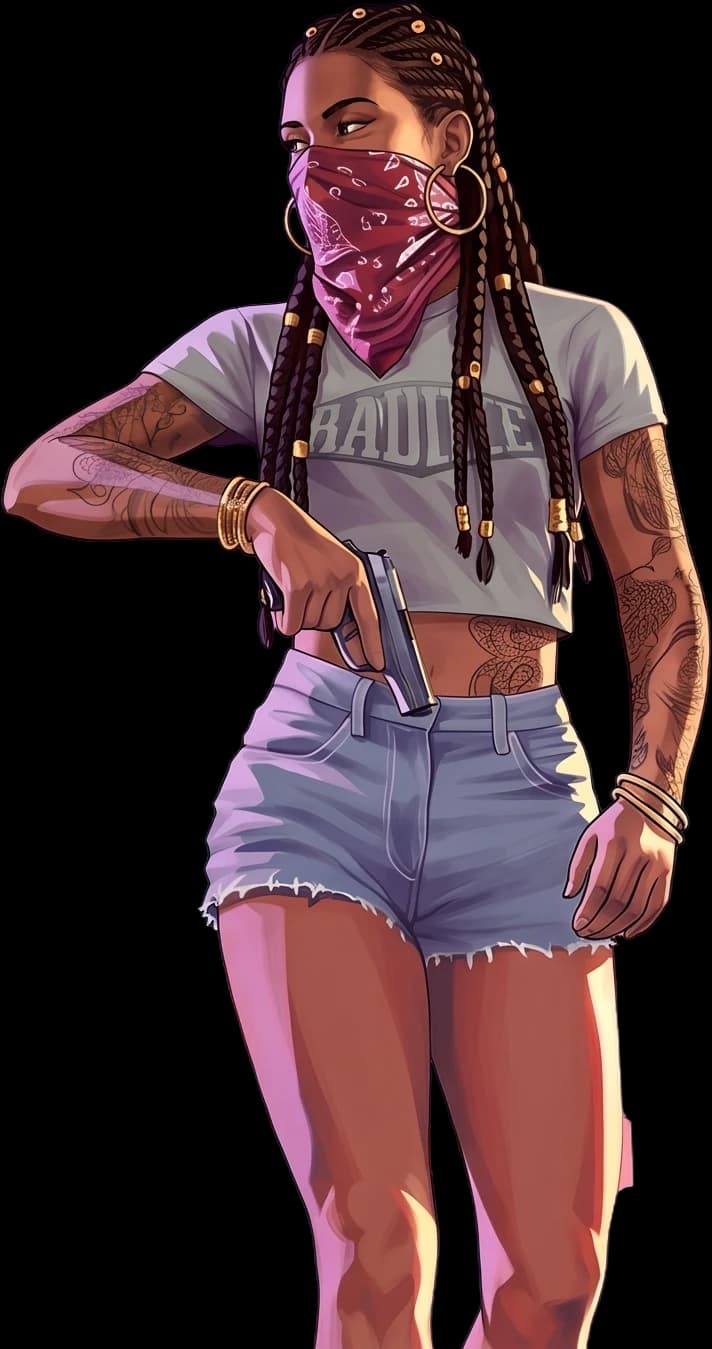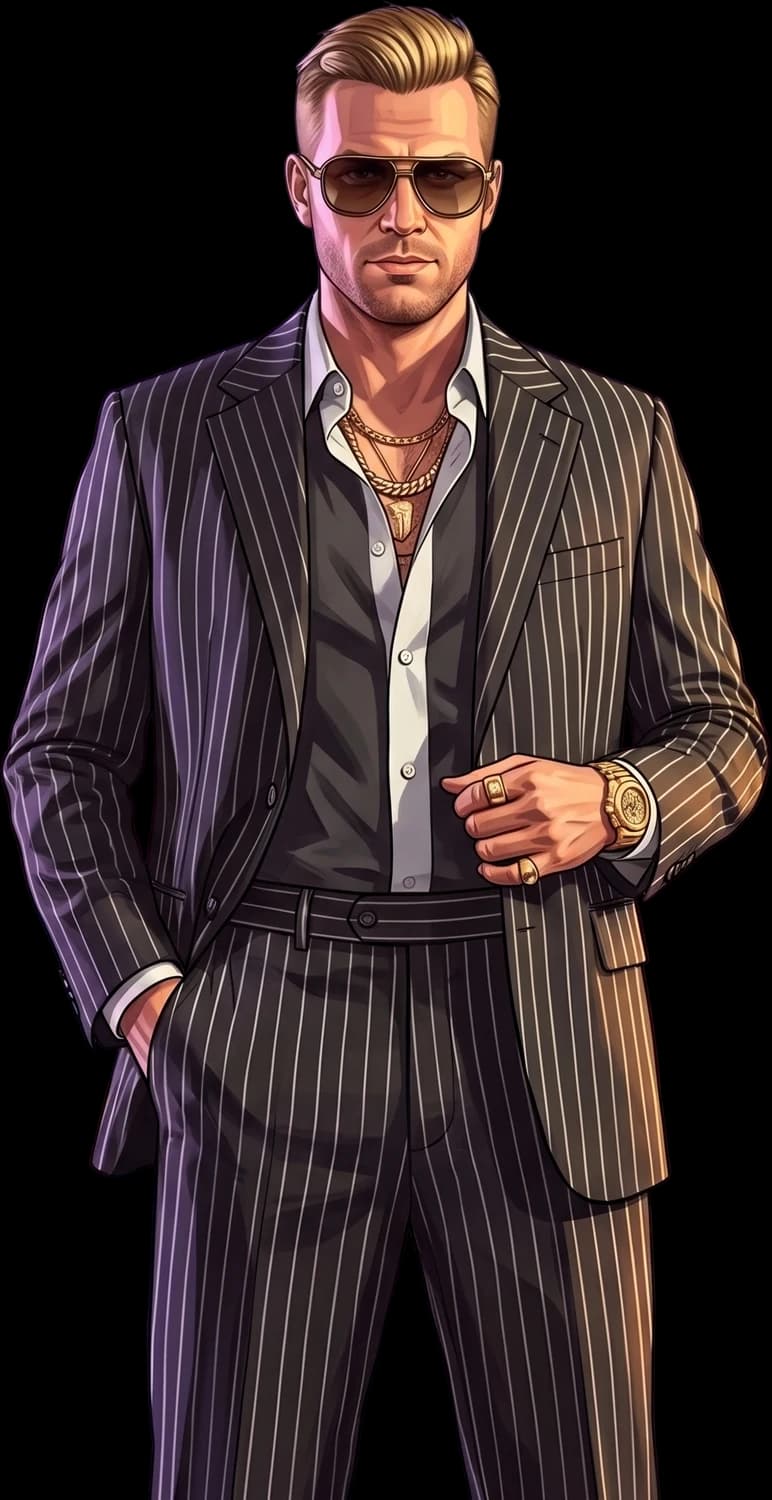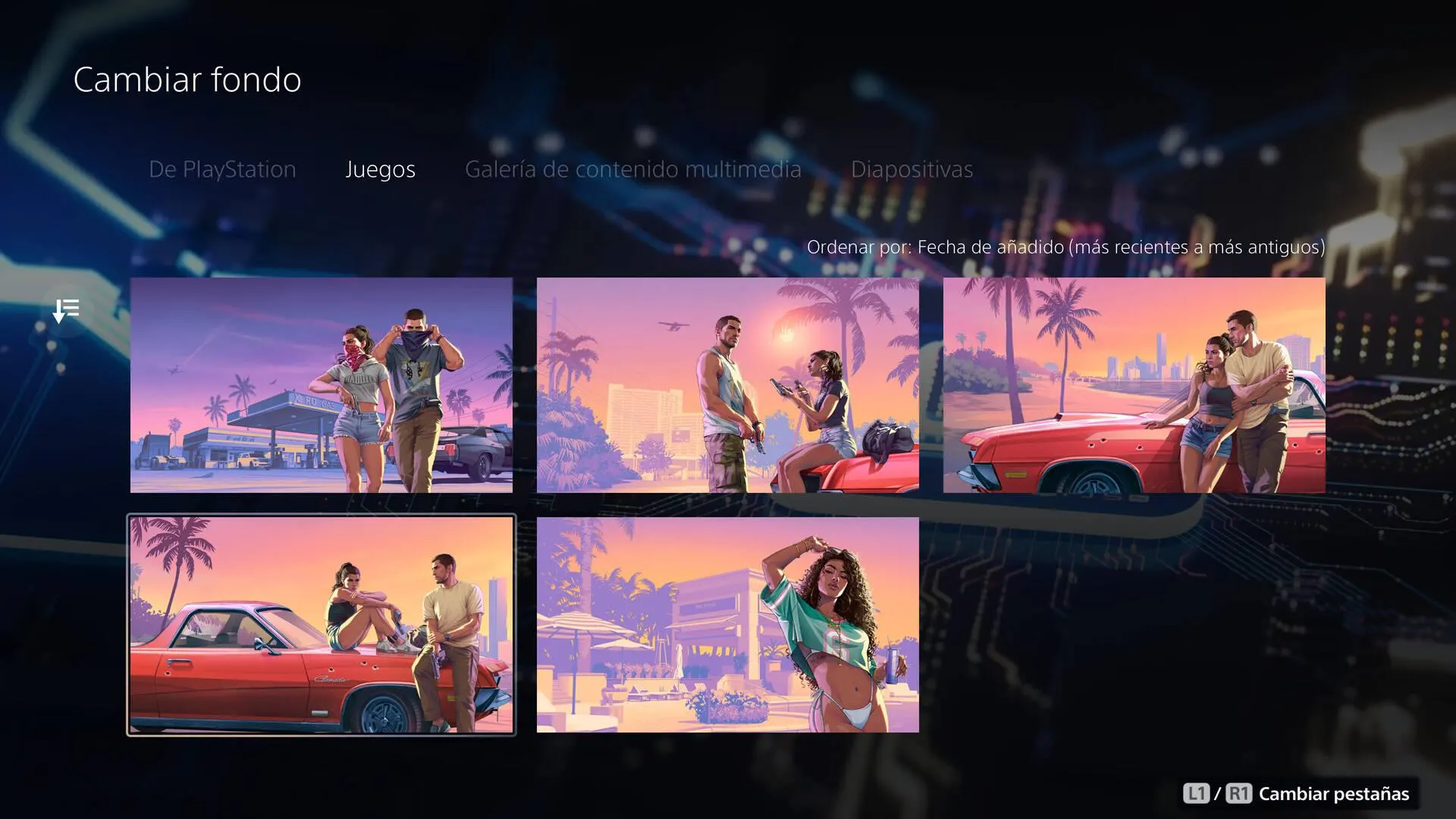




GTA VI has taken over another corner of the PS5. On launch day, November 19, Sony added a GTA VI section to the console's Welcome hub. A menu screenshot shows five GTA VI pictures you can set as the hub's background. The hub's icon now has the game's pink-and-orange gradient and palm trees.
Five backgrounds, mostly familiar
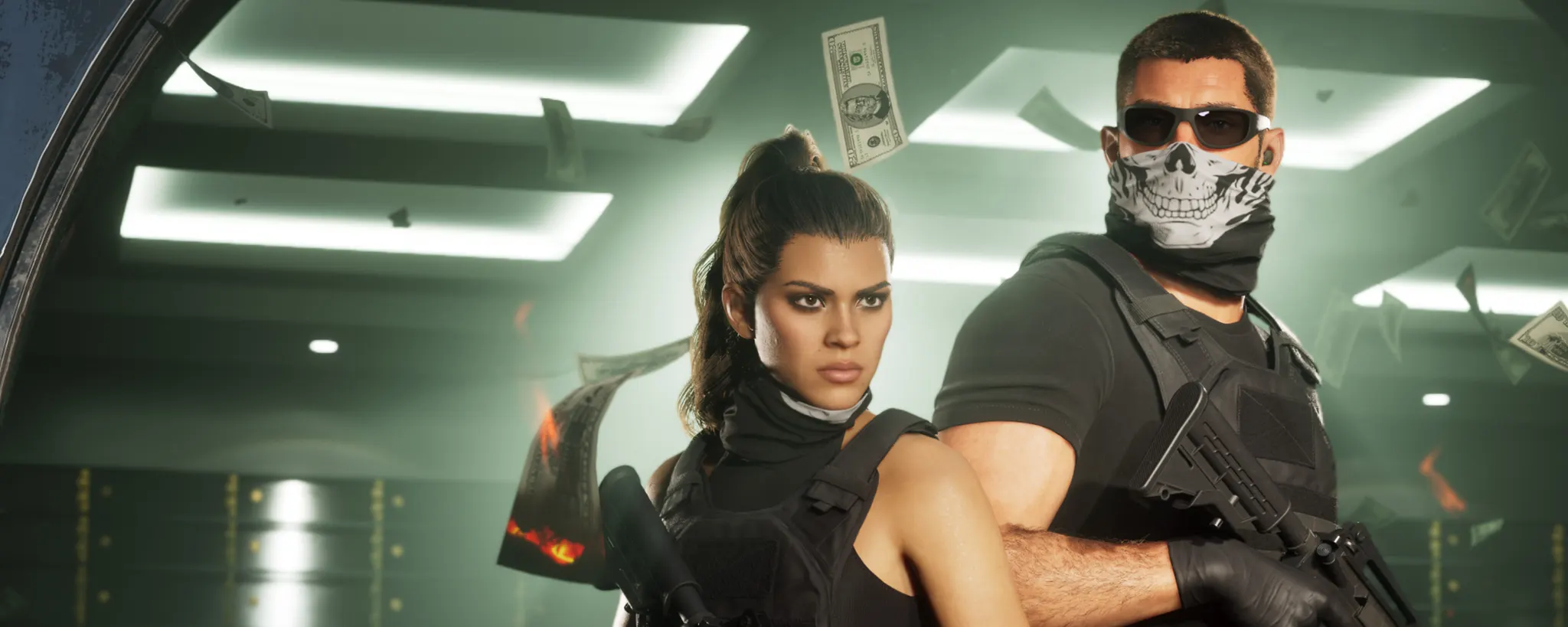
The five pictures appear in the hub's Change background menu, under the games tab, newest first. All five are GTA VI artwork in the game's pastel sunset style:
- Jason and Lucia walking away from a gas station, bandanas over their faces
- Jason, pistol in hand, standing next to Lucia as she sits on the hood of a red car
- the two leaning on the red car by the water, the skyline behind them
- Lucia sitting on the car with her knees up, Jason standing beside her
- the woman in a bikini and a green jersey from the game's cover art, under beach umbrellas
Some of these are pieces Rockstar has shown before; according to reports, at least one of them had not been seen until now. Reports differ on whether they move: some describe the new backgrounds as animated, others as still images. We found no PlayStation announcement about them.
A GTA VI panel and a palm-tree icon
The backgrounds are not the only change. According to reports, a new panel promoting GTA VI now appears in the hub before your usual widgets, and the hub's own icon has switched to the game's pink-and-orange gradient with palm trees. PS5 owners also get a direct link to GTA VI on the PlayStation Store, as they did when pre-orders opened, reports say.
It is the same look the PlayStation App icon got back on November 17, two days before launch.
How to get them now
The change came as a system feature update that Sony sends from its side. If the GTA VI backgrounds have not shown up yet, you can fetch the update yourself:
- Open Settings, the cog at the top right of the PS5 home screen, next to your profile picture.
- Go down to System.
- In the menu on the right, choose System Feature Updates and wait for it to finish.
Then open the Welcome hub, choose to change the background, and look under the games tab.
The second GTA VI takeover of the PS5
Sony has done this before. When GTA VI pre-orders opened on June 25, a server-side update brought a GTA VI animation to the Welcome hub that played after you started the console and signed in. The PlayStation Store and the PlayStation App's icon got the same treatment; the app's icon went back to normal around July 3, about a week later. This time it comes with the game itself: GTA VI went on sale today, after a pre-load that opened on November 10.
On Xbox, the artwork came uninvited
Xbox is pushing GTA VI onto its dashboard in a different way. According to reports, Microsoft's Event Backgrounds feature, switched on by default, has replaced players' own backgrounds with Jason and Lucia artwork, and players complained. You can turn it off under Settings, Personalisation, My Background, by unticking Show Event-themed Background. Xbox has since started a feedback poll about the feature, according to the same reports. On PS5, the new backgrounds are an option: you pick one if you want it.
GTA VI is out now on PS5 and Xbox Series X|S.